Contracts - PO Ranges
Assign PO Ranges to contracts to control purchase order approval authority with contract-specific limits.
Enable contract-specific authorization in Purchase Order Preferences by checking Use Authorisation Limits for Purchase Orders and unchecking Ranges applied to all Contracts for Purchase Orders. Then assign authorization ranges defining user approval limits for each contract.
The PO Ranges sub navigation will not be displayed in the Contract input panel if the Ranges applied to all Contracts for Purchase Orders option is checked.
Facilities > Contracts
The link will open the Contracts / PO Range grid. It is a grid view that can be customised and sorted as normal.
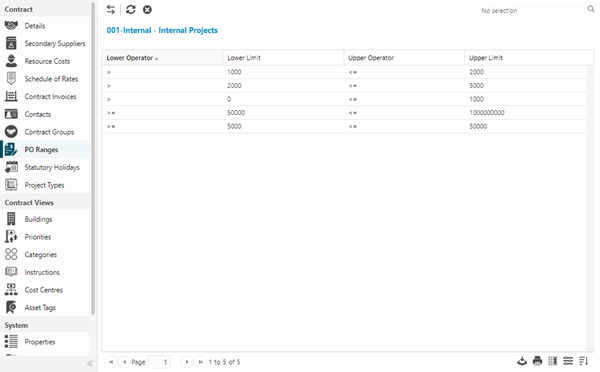
To assign PO Ranges click Assign  , entities in the right hand assignment window are connected.
To create PO Ranges see Purchase Order Range and Limits.