Contracts - Priorities
Priorities define urgency levels (for example, Critical, High, Medium, Low) assigned to contracts, tasks, or issues to determine the order in which work should be addressed. View the Priorities grid from the Contracts module to assign priority levels—for instance, mark emergency repairs as "Critical" so they are scheduled before routine maintenance tasks marked as "Low." When creating or editing a task or contract, select the appropriate priority from the drop down to influence scheduling and resource allocation. This ensures service level agreements are met, critical issues are resolved promptly (for example, heating failures in winter addressed within 2 hours), and teams focus on high-impact work first. Regularly review and adjust priorities in the grid to reflect changing business needs, seasonal demands, and operational requirements, maintaining alignment across task management and reporting modules.
Facilities > Contracts
The link will open the Contract / Priorities grid. It is a grid view that can be customised and sorted as normal.
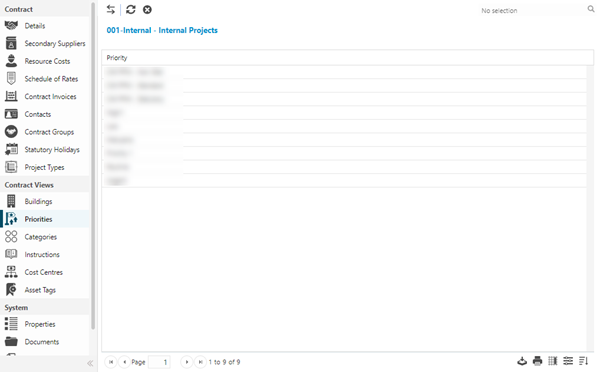
To assign Priorities click Assign  , entities in the right hand assignment window are connected.
To create Priorities see Priority.