Favourites
Available from 5.0.0.0
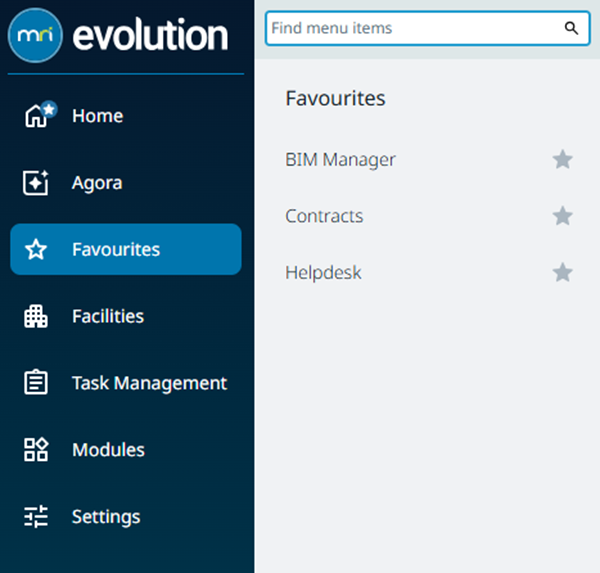
Favourites provides each user with a quick access list of their most frequently used navigation items. Instead of drilling through the full menu every time, starred items surface immediately when the Favourites menu option is selected.
Favourites are stored for each user account and applied on next sign‑in.
 Available from 7.0.0.0
Every function and menu option can now be added to Favourites, whereas in previous versions the landing page items could not be added to Favourites.
Available from 7.0.0.0
Add or remove an item by clicking its star icon in the menu navigation or within the Favourites list itself.
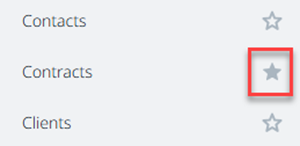
For example, search for “Contracts” using the menu search box, click the star to pin it, then open Favourites to launch Contracts directly. (If a page requires permissions you must still have access—favouriting does not override security.)