Asbestos Positions
Available from 6.5.0.0
The Asbestos Positions feature allows you to define asbestos positions. You can specify Position Code and Position for each entry. This ensures consistent asbestos positions configuration across the system.
Settings > Asbestos > General Reference Data
The link will open the Asbestos Positions grid. It is a grid view which can be searched, sorted and customised as normal.
To add a new Asbestos Position click New  , to edit an existing Asset Name click Edit
  . A pop up window will appear which will allow the creation or amendment of an Asbestos Position.
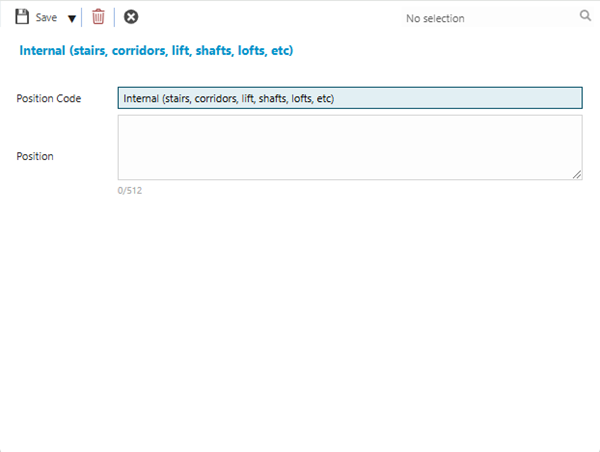
 Click to view - Asbestos Position Fields and Descriptions
| Field Name | Description |
|---|---|
| Position Code | The unique mandatory reference code of the Asbestos Position. |
| Position |
A free format field to provide a description of the physical location of the Asbestos. |
Complete the fields and click Save and Close  .
.