Inventory Families
Inventory Families group similar assets and resources for easier Facilities Booking and management in MRI Evolution. Use these categories to organize inventory and streamline booking processes.
Settings > Facilities Booking > Inventory Families
The link will open the Inventory Families grid. It is a grid view which can be searched, sorted and customised as normal.
To add a new Inventory Family click New  , to edit an existing Inventory Family click Edit
  . A pop up window will appear which will allow the creation or amendment of a Inventory Family.
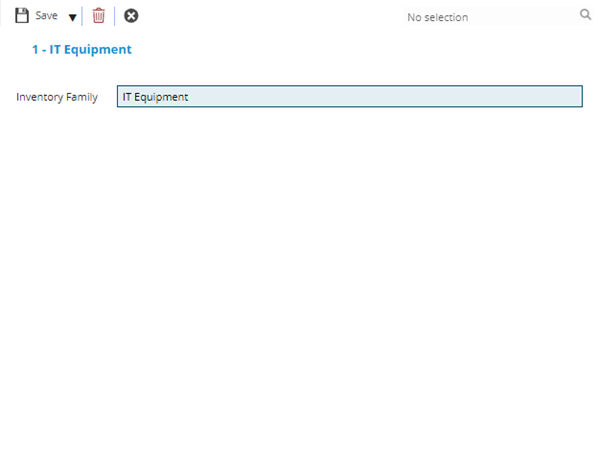
 Click to view - Inventory Families Fields and Descriptions
Complete the fields and click Save and Close  .
.