Location Sorting
Location Sorting allows administrators to control the display order of locations in Facilities Booking planners and selection lists. This simple administrative tool enables customization of how locations appear to users, ensuring that frequently used spaces or priority locations are positioned for optimal user experience and operational efficiency.
Settings > Facilities Booking > Location Sorting
The link will open the Location Sorting grid. It is a grid view which can be searched, sorted and customised as normal.
To alter the sort order of the planner highlight a Location and click Edit  .
.
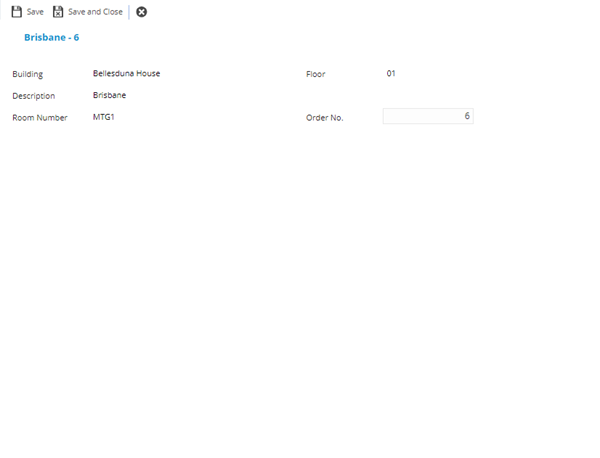
Alter the order number to dedicate where the Location will appear in the Planner.