Finance Codes
Finance Codes categorize financial transactions for general ledger integration and financial reporting, such as account codes or expense classifications. Apply Finance Codes to procurement and work order transactions to track spending by accounting category.
Settings > Finance > Finance Codes
The link will open the Finance Codes grid. It is a grid view which can be searched, sorted and customised as normal.
To add a new Finance Code click New  , to edit an existing Finance Code click Edit
  . A pop up window will appear which will allow the creation or amendment of a Finance Code.
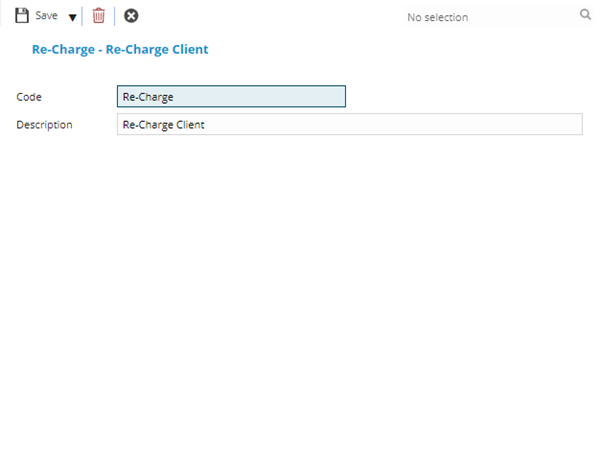
 Click to view - Finance Codes Fields and Descriptions
| Field Name | Description |
|---|---|
| Code | The code of the Finance Code. |
| Description | The description of the Finance Code. |
Complete the fields and click Save and Close  .
.