Payment Codes
Payment Codes define payment methods available when recording payments against Purchase Orders, such as BACS, Check, Credit Card, or Direct Debit. Select the appropriate Payment Code to track how invoices are paid.
Settings > Finance > Payment Codes
The link will open the Payment Codes grid. It is a grid view which can be searched, sorted and customised as normal.
To add a new Payment Code click New  , to edit an existing Payment Code click Edit
  . A pop up window will appear which will allow the creation or amendment of a Payment Code.
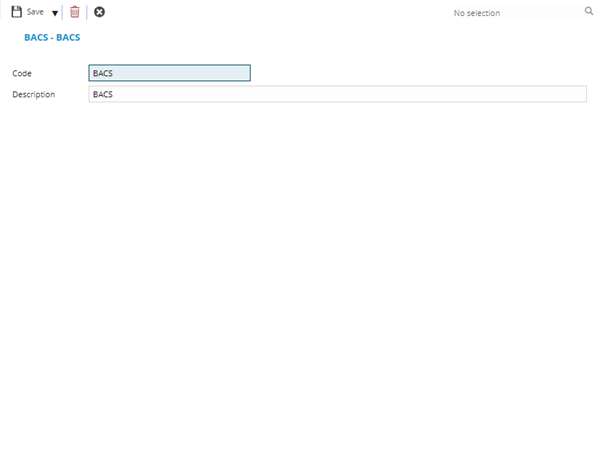
 Click to view - Payment Codes Fields and Descriptions
Complete the fields and click Save and Close  .
.