Reference Groups
Reference Groups organize Posting References (for example, grouping "Staff Costs," "Training," and "Recruitment" under "Employee Expenses") to summarize financial information within Cost Centres for reporting and analysis. Customize how transactions are grouped by changing which Reference Group a Posting Reference belongs to—for instance, move "Office Supplies" from "General Costs" to "Operational Expenses" to match your reporting structure. When generating financial reports, the system aggregates all Posting References within each Reference Group, enabling you to analyse spending patterns at a higher level (for example, total Employee Expenses across all departments) while maintaining detailed transaction records. This supports budget reviews, variance analysis, and financial planning by presenting data in meaningful categories aligned with your organizational structure.
Settings > Finance > Reference Groups
The link will open the Reference Groups grid. It is a grid view which can be searched, sorted and customised as normal.
To add a new Reference Group click New  , to edit an existing Reference Group click Edit
  . A pop up window will appear which will allow the creation or amendment of a Reference Group.
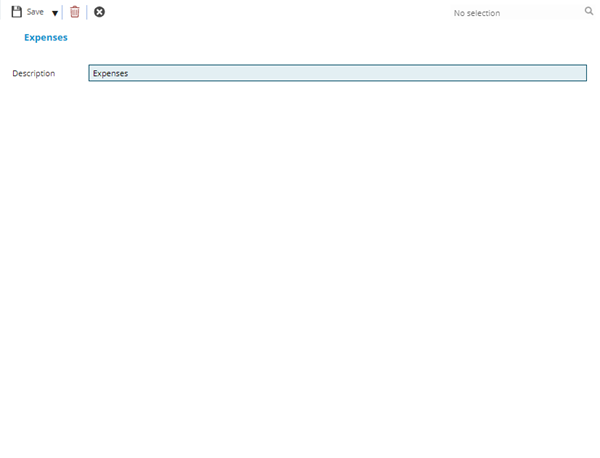
 Click to view - Reference Groups Fields and Descriptions
Complete the fields and click Save and Close  .
.
It is not possible to add extra financial fields within MRI Evolution, this feature will allow the changing of the naming convention of the Reference Groups to meet business requirements.