Supplier Status
Available from 5.3.0.0
Supplier Statuses help you manage and filter suppliers in MRI Evolution. Mark suppliers as Active, Suspended, or History to keep your supplier list current and support reporting.
You can add more statuses if needed. Manage your Supplier Statuses here.
Settings > Finance
The link will open the Supplier Status grid. It is a grid view which can be searched, sorted and customised as normal.
To add a new Supplier Status click New  , to edit an existing Supplier Status click Edit
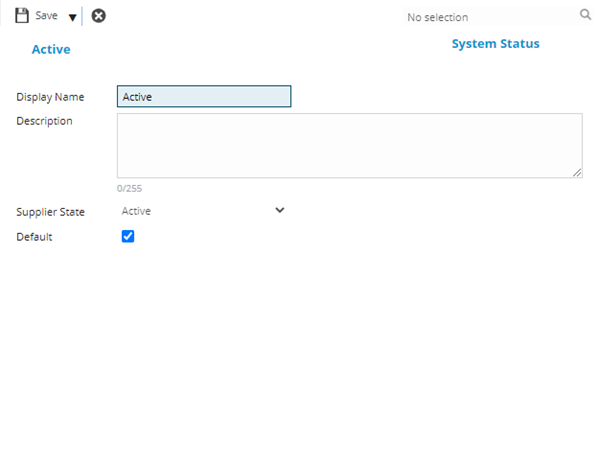
  . A pop up window will appear which will allow the creation or amendment of a Supplier Status
 Click to view - Supplier Status Fields and Descriptions
Complete the fields and click Save and Close  .
.