Non Working Day Preference
Non Working Day Preferences in MRI Evolution let you define which days are considered non-working for your organization. These preferences help prevent accidental bookings on holidays or other non-working days by providing visible warnings in both the Facilities Booking Planner and Facilities Booking screens. Users can easily configure and update non-working days to reflect business rules, ensuring accurate scheduling and improved resource management. To set or update Non Working Day Preferences, use this page to select the appropriate days and save your changes.
Settings > General > Non Working Day Preference
The link will open a pop up window will appear which will allow the creation or amendment of Non Working Day Preferences.
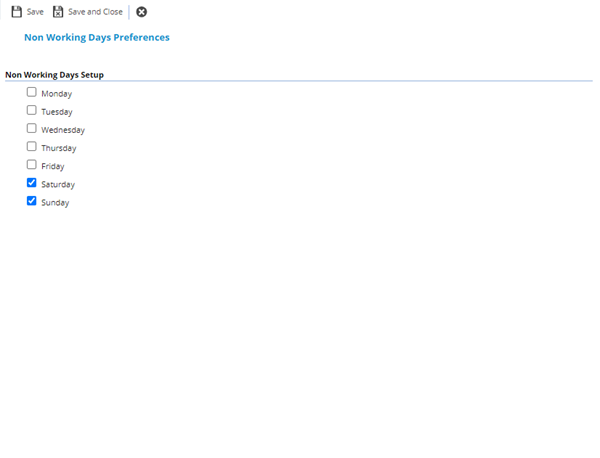
 Click to view - Non Working Day Preferences Fields and Descriptions
Complete the fields and click Save and Close  .
.