Radio Instances
Radio Instances define individual two-way radios within a fleet, capturing each radio's unique identification number. Assign Radio Instances to Resources to enable radio-based communication and tracking for field operations.
Settings > Integrated Services > Radio Instances
The link will open the Radio Instances grid. It is a grid view which can be searched, sorted and customised as normal.
To add a new Radio Instance click New  , to edit an existing Radio Instance click Edit
  . A pop up window will appear which will allow the creation or amendment of a Radio Instance.
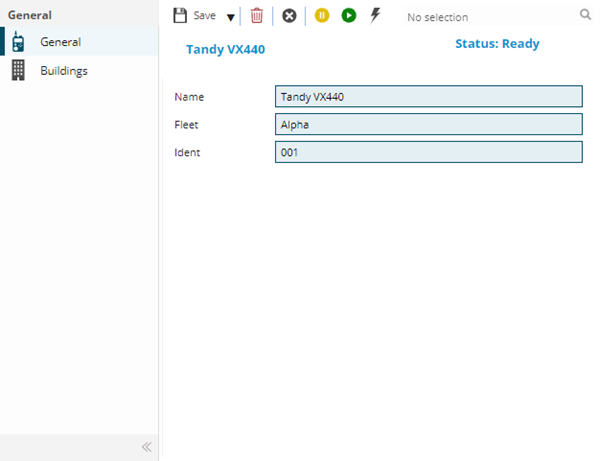
 Click to view - Radio Instances Fields and Descriptions
Complete the fields and click Save  . Once the Radio header has been completed and saved a sub navigation will appear to allow additional entities to be assigned.
These include:
- Buildings
Buildings Sub Navigation
Click to view more detail.
Radios are assigned to Buildings to prevent them being assigned to the wrong Resources.
Settings > Integrated Services > Radio Instances
The link will open the Radio Instances / Buildings grid. It is a grid view that can be customised and sorted as normal.
To assign Buildings click Assign  , entities in the right hand assignment window are connected.
Additional Icons
| Icon | Feature | Description |
|---|---|---|

|
Stun the current Radio Instance | Stuns the radio and removes data. |

|
Revive the Current Radio Instance | Revives the radio to begin receiving data again. |

|
Kill the current Radio Instance | The Kill a Radio option is access right protected as it will literally kill the radio. This is like an anti-theft option to destroy the radio if needed. |