Intuitive BI Server Preferences
Available from 4.4.4.0
Intuitive BI Server Preferences configure connection settings for the Intuitive BI web service, including server URL, authentication credentials, and dashboard designer parameters. These settings enable integration between Evolution and the business intelligence platform.
Settings > Intuitive BI > Intuitive Server Preferences
The link will open a pop up window will appear which will allow the creation or amendment of a Intuitive BI Server Preferences.
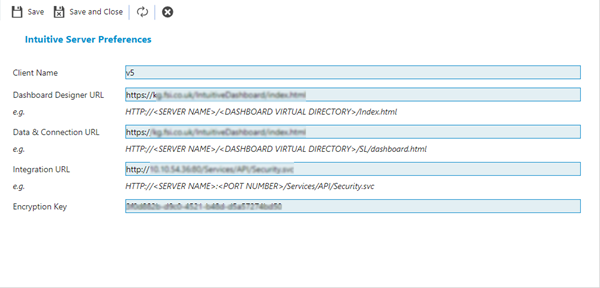
 Click to view - Intuitive BI Server Preferences Fields and Descriptions
Complete the fields and click Save and Close  .
.
Changing these settings may cause Intuitive BI dashboards to cease working.