Temporary Accommodation Type
Available from 4.4.1.0
Temporary Accommodation Types categorize alternative spaces when Locations are unavailable due to maintenance or faults, such as Mobile Office, Portable Classroom, or Temporary Storage. Track temporary accommodation options for Payment Mechanism calculations and service continuity.
Settings > Payment Mechanisms > Temporary Accommodation Type
The link will open the Temporary Accommodation Type grid. It is a grid view which can be searched, sorted and customised as normal.
To add a new Temporary Accommodation Type click New  , to edit an existing Temporary Accommodation Type click Edit
  . A pop up window will appear which will allow the creation or amendment of a Temporary Accommodation Type.
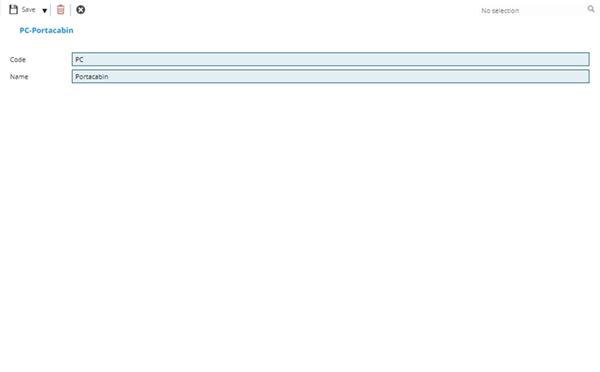
 Click to view - Temporary Accommodation Type Fields and Descriptions
Complete the fields and click Save and Close  .
.
PayMech Module results are calculated using Workflow. Unless the calculation workflows are amended, changing settings in MRI Evolution may have no effect on PayMech outputs and results .