Project Categories
Project Categories classify projects by type, scope, or purpose to organize project portfolios and support reporting by category. Create categories with descriptive names and explanations (for example, "Emergency Repairs" for urgent safety-related work, "Planned Renovations" for scheduled improvement programs, "Energy Efficiency Upgrades" for environmental initiatives, "Tenant Improvements" for fit-out work, "Compliance Projects" for regulatory requirements) that project managers select when creating Projects. This classification enables portfolio analysis by category (for example, compare budgets spent on Emergency Repairs vs Planned Renovations), supports different approval workflows (emergency categories may bypass standard authorization processes), and facilitates resource allocation planning (specialized contractors for Energy Efficiency work vs general contractors for Tenant Improvements). Organizations typically define 5-15 categories matching their capital planning structure and strategic priorities, ensuring projects are consistently classified for meaningful reporting. For example, a facilities team might analyse that 40% of annual project spend went to Emergency Repairs, prompting investment in preventative maintenance to reduce reactive work.
Settings > Projects > Project Categories
The link will open the Project Categories grid. It is a grid view which can be searched, sorted and customised as normal.
To add a new Project Category click New  , to edit an existing Project Category click Edit
  . A pop up window will appear which will allow the creation or amendment of a Project Category.
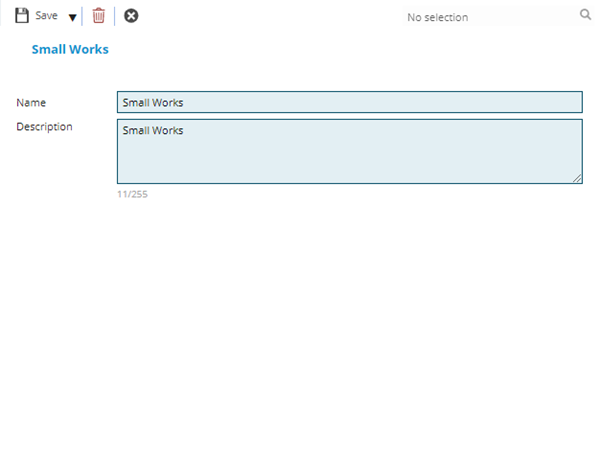
 Click to view - Project Categories Fields and Descriptions
Complete the fields and click Save and Close  .
.