Project Risk Probabilities
Project Risk Probabilities define standardized likelihood ratings for assessing how probable potential project risks are to occur, supporting systematic risk analysis and mitigation planning. Create probability ratings with descriptive names and explanations (for example, "Very High" with description "80-100% likelihood, almost certain to occur", "High" with "60-79% likelihood, probable", "Medium" with "40-59% likelihood, possible", "Low" with "20-39% likelihood, unlikely", "Very Low" with "0-19% likelihood, rare") that project managers select when recording Project Risks. When documenting a risk (for example, "contractor unavailability may delay project start"), assign an appropriate Probability rating alongside the Impact rating to calculate overall risk severity. This enables consistent risk scoring across projects (all project managers use the same probability definitions), facilitates risk prioritization (high probability + high impact risks receive immediate attention), and supports risk response planning (focus mitigation efforts on most likely and consequential risks). Organizations typically define 3-5 probability levels matching their risk management framework, ensuring project teams speak a common language when discussing risk likelihood and enabling leadership to compare risk profiles across different projects.
Settings > Projects > Project Risk Probabilities
The link will open the Project Risk Probabilities grid. It is a grid view which can be searched, sorted and customised as normal.
To add a new Project Risk Probability click New  , to edit an existing Project Risk Probability click Edit
  . A pop up window will appear which will allow the creation or amendment of a Project Risk Probability.
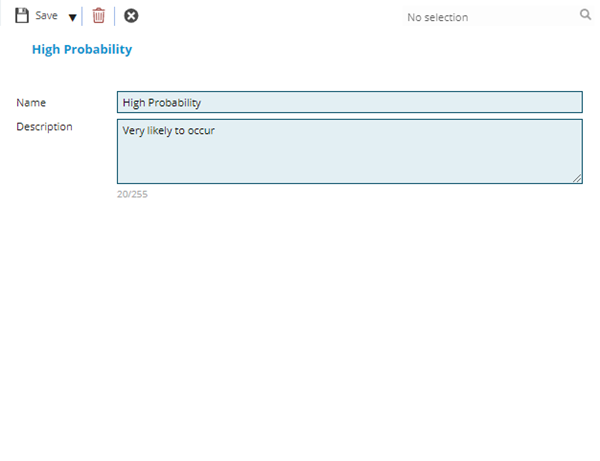
 Click to view - Project Risk Probabilities Fields and Descriptions
Complete the fields and click Save and Close  .
.