Project Statuses
Lifecycle state indicators for Projects (e.g., Planning, Active, On Hold, Completed, Cancelled). Assign statuses to track project progression, filter by operational phase, generate stage-specific reports, and manage workflow transitions across project portfolios.
Configure status workflows to automate notifications, enforce approval gates, and maintain historical records of project state changes for audit and performance analysis.
Settings > Projects > Project Statuses
The link will open the Project Statuses grid. It is a grid view which can be searched, sorted and customised as normal.
To add a new Project Status click New  , to edit an existing Project Status click Edit
  . A pop up window will appear which will allow the creation or amendment of a Project Status.
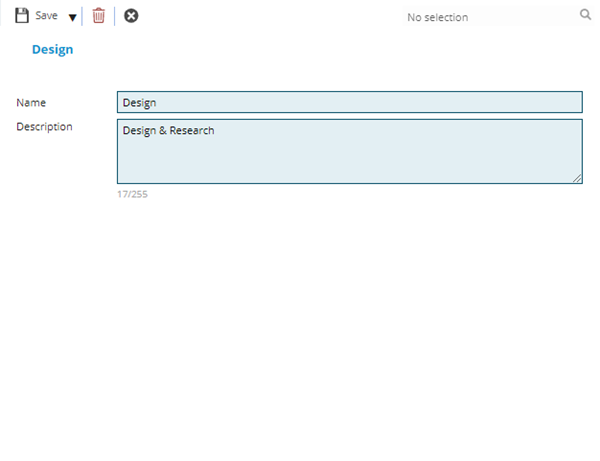
 Click to view - Project Statuses Fields and Descriptions
| Field Name | Description |
|---|---|
| Name | The name of the Project Status. |
| Description | The description of the Project Status. |
Complete the fields and click Save and Close  .
.