Portfolio Types
Available from 4.4.5
Portfolio Types categorize Portfolios that group related Buildings, such as Regional Manager Properties, Retail Units, or Healthcare Facilities. Use Portfolio Types for filtering and reporting Building collections by business segment or geography.
 Available from 7.0.0.0
The Purchase Key licence dependency for this specific element of the system has been removed and is now included as standard in the core MRI Evolution product the feature has been turned on for all systems by default.
Note: Other restrictions, such as User licence type restrictions and / or any restrictions to underlying functionality that is dependent upon Purchase Key licences will remain in place.
Settings > Property & Estates > Portfolio Types
The link will open the Portfolio Type grid. It is a grid view which can be searched, sorted and customised as normal.
To add a new Portfolio Type click New  , to edit an existing Portfolio Type click Edit
  . A pop up window will appear which will allow the creation or amendment of a Portfolio Type.
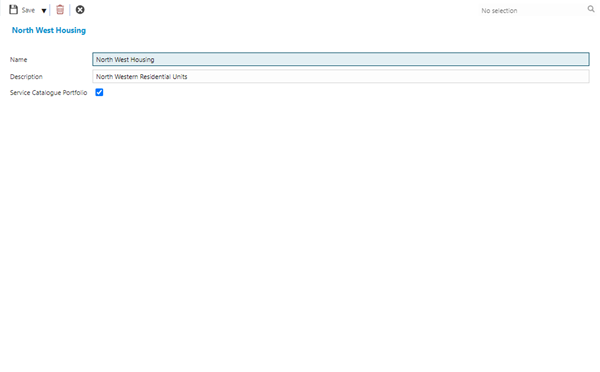
 Click to view - Portfolio Type Fields and Descriptions
Complete the fields and click Save and Close  .
.