Purchase Order Item Types
Purchase Order Item Types classify line items on purchase orders to categorize expenditure and support detailed cost reporting by procurement category. The system provides default types (Labour, Materials), which can be extended with additional classifications matching your procurement needs (for example, Equipment, Subcontractor Services, Consumables, Plant Hire, Software Licenses). When creating purchase order line items, users select the appropriate Item Type to classify each expenditure—for example, classify contractor technician time as "Labour," replacement parts as "Materials," hired access equipment as "Plant Hire." This classification enables type-specific cost analysis (total labour spend vs materials spend across all POs), supports budget monitoring by category (track consumables expenditure against approved budget), and facilitates financial reporting by procurement type. Organizations typically create Item Types that align with their chart of accounts structure and procurement policies, enabling finance teams to analyse spending patterns (for example, "labour costs increased 15% while materials costs decreased 8% this quarter") and operational managers to understand resource utilization by category.
Settings > Purchase Orders > Purchase Order Item Types
The link will open the Purchase Order Item Types grid. It is a grid view which can be searched, sorted and customised as normal.
To add a new Purchase Order Item Type click New  , to edit an existing Purchase Order Item Type click Edit
  . A pop up window will appear which will allow the creation or amendment of a Purchase Order Item Type.
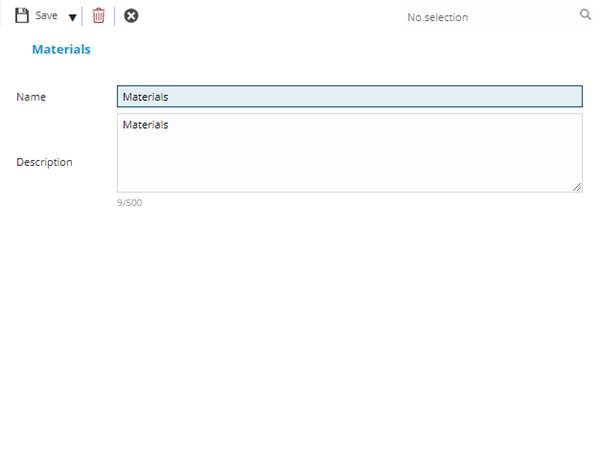
 Click to view - Purchase Order Item Types Fields and Descriptions
Complete the fields and click Save and Close  .
.