Purchase Order Status Codes
Lifecycle state indicators for Purchase Orders (e.g., Draft, Approved, Issued, Partially Received, Complete, Cancelled). Track order progression, enable status-based filtering and reporting, and manage procurement workflows.
Settings > Purchase Orders > Purchase Order Status Codes
The link will open the Purchase Order Status Codes grid. It is a grid view which can be searched, sorted and customised as normal.
To add a new Purchase Order Status Code click New  , to edit an existing Purchase Order Status Code click Edit
  . A pop up window will appear which will allow the creation or amendment of a Purchase Order Status Code.
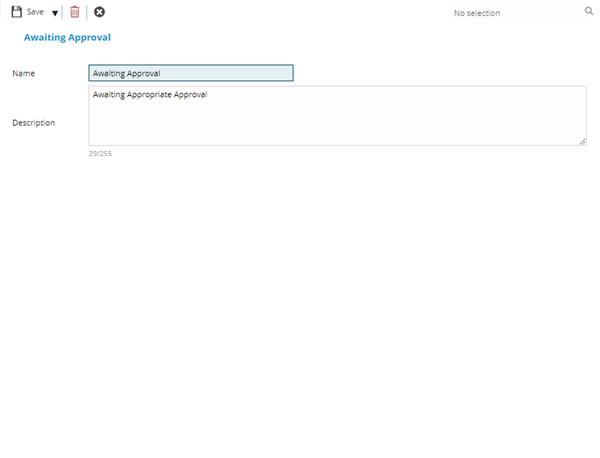
 Click to view - Purchase Order Status Codes Fields and Descriptions
Complete the fields and click Save and Close  .
.