Calender Note Type
Categories for non-task time entries in Resource Planner (e.g., Training, Meetings, Administrative Work, Travel). Assign types to Calendar Notes for accurate scheduling, resource utilization reporting, and workload analysis beyond direct task assignments.
Settings > Resource Planner > Calender Note Types
The link will open the Calender Note Type Grid. It is a grid view which can be searched, sorted and customised as normal.
To add a new Calender Note Type click New  , to edit an existing Calender Note Type click Edit
  . A pop up window will appear which will allow the creation or amendment of a Calender Note Type.
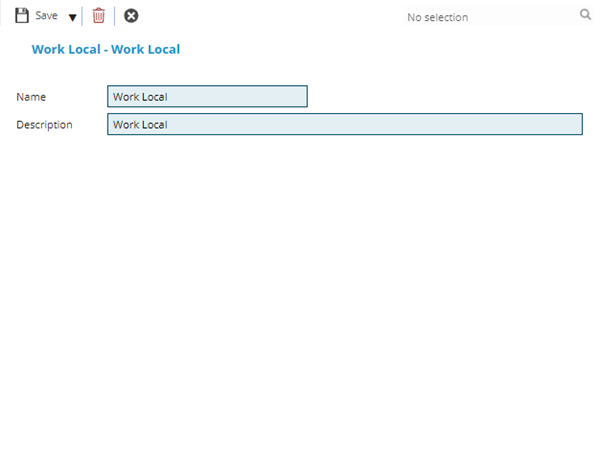
 Click to view - Type Fields and Descriptions
Complete the fields and click Save and Close  .
.