Absence Reasons
Categories explaining Resource unavailability for task assignments (e.g., Sickness, Holiday, Training, Medical Appointment). Assign reasons to track absence patterns, calculate availability for scheduling, and generate workforce utilization reports.
Settings > Resources > Absence Reasons
The link will open the Absence Reason Grid. It is a grid view which can be searched, sorted and customised as normal.
To add a new Absence Reason click New  , to edit an existing Absence Reason click Edit
  . A pop up window will appear which will allow the creation or amendment of an Absence Reason.
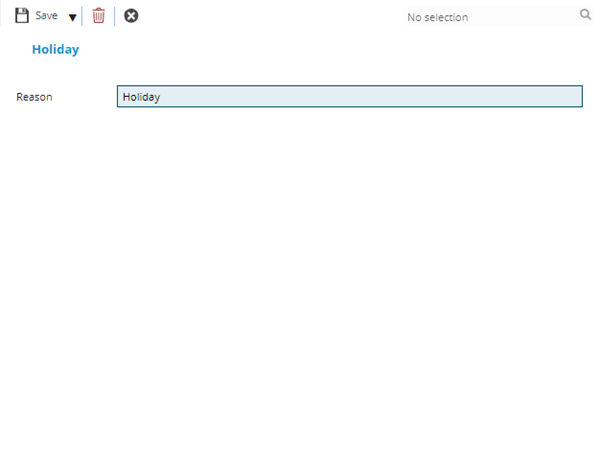
 Click to view - Absence Reason Fields and Descriptions
Complete the fields and click Save and Close  .
.