Resource Status
Available from 5.2.0.0
Operational state indicators for Resources (e.g., Active, On Leave, Suspended, Training, Retired). Assign statuses to track workforce availability, filter Resources for task assignment, and generate staffing reports by employment state.
Settings > Resources
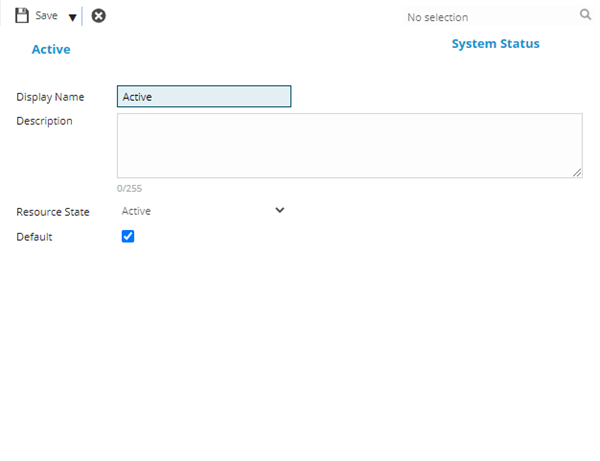
The link will open the Resource Status grid. It is a grid view which can be searched, sorted and customised as normal.
To add a new Resource Status click New  , to edit an existing Resource Status click Edit
  . A pop up window will appear which will allow the creation or amendment of a Resource Status
To create Resources see Resources
 Click to view - Resource Status Fields and Descriptions
| Field Name | Description |
|---|---|
| Display Name | The name of the Resource Status |
| Description |
The description of the Resource Status |
| Resource State |
From the drop down select the Resource Status:
|
| Default | Check the box if this is the default state that a new Resource should be created in - only one state can be the default. |
Complete the fields and click Save and Close  .
.