Teams
Teams group engineers, contractors, and other resources together for easier task assignment and workload management. Create teams based on skills, departments, or projects—such as "Electrical Team," "HVAC Specialists," or "Night Shift Maintenance"—to streamline resource allocation.
Assign resources to teams for better visibility when scheduling work. Filter task assignments and appointments by team to quickly find available personnel with the right expertise.
Settings > Resources > Resource Teams
The link will open the Teams Grid. It is a grid view which can be searched, sorted and customised as normal.
To add a new Team click New  , to edit an existing Team click Edit
  . A pop up window will appear which will allow the creation or amendment of a Teams.
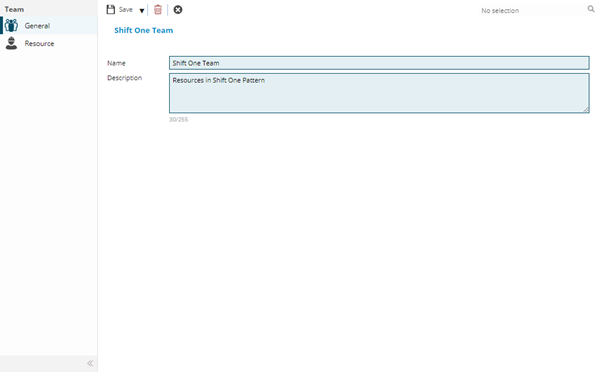
 Click to view - Teams Fields and Descriptions
Complete the fields and click Save  . Once the Team header has been completed and saved a sub menu will appear to allow additional entities to be assigned.
These include:
- Resources
Resources
Click to view more detail.
Resources can be placed into teams from the Team itself or from the Resource.
Settings > Resources > Resource Teams
To assign Resources click Assign  , entities in the right hand assignment window are connected.
To create Resources see Resources.