Sales Invoice Levels Of Completion
Custom workflow stages supplementing system statuses (Dormant, Approved, Issued). Create additional Levels of Completion (e.g., Pending, In Dispute, Under Review, Client Query) to track organization-specific invoice processing stages beyond standard states.
Settings > Sales Invoicing > Sales Invoice Level Of Completion
The link will open the Sales Invoice Levels of Completion grid. It is a grid view which can be searched, sorted and customised as normal.
To add a new Sales Invoice Levels of Completion click New  , to edit an existing Sales Invoice Levels of Completion click Edit
  . A pop up window will appear which will allow the creation or amendment of a Sales Invoice Levels of Completion.
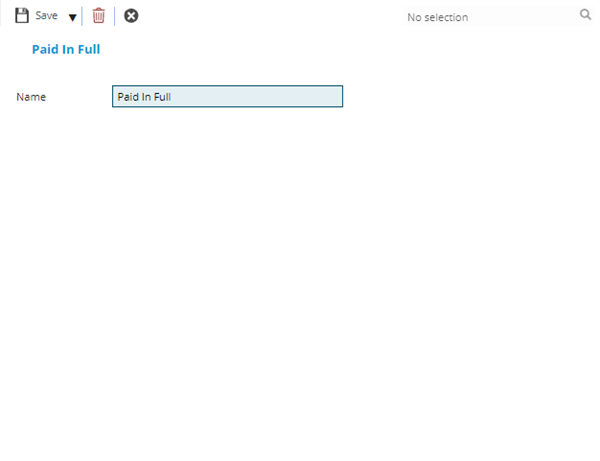
 Click to view - Sales Invoice Levels of Completion Fields and Descriptions
Complete the fields and click Save and Close  .
.