Sales Payment Terms
Sales Payment Terms define the expected payment time line for client invoices by specifying a term name and number of days until payment is due. Create standard payment terms used in your organization (for example, "Net 30 Days" with 30 days, "Net 60 Days" with 60 days, "Payment on Receipt" with 0 days, "2% 10 Net 30" with 30 days for early payment discount terms) with descriptive names and corresponding day counts. When creating Sales Invoices, select the appropriate Payment Term for each client—the system automatically calculates the payment due date by adding the specified days to the invoice date. This supports accurate cash flow forecasting (predict when receivables will be collected based on term lengths), enables aged receivables reporting (identify invoices overdue beyond their term periods), and facilitates payment follow-up scheduling (trigger reminder workflows at term expiry). Organizations typically configure a standard set of payment terms matching their commercial policies and client agreements, then assign specific terms to client accounts based on negotiated payment arrangements or credit status.
Settings > Sales Invoicing > Sales Payment Terms
The link will open the Sales Invoice Payment Terms grid. It is a grid view which can be searched, sorted and customised as normal.
To add a new Sales Invoice Payment Term click New  , to edit an existing Sales Invoice Payment Term click Edit
  . A pop up window will appear which will allow the creation or amendment of a Sales Invoice Payment Term.
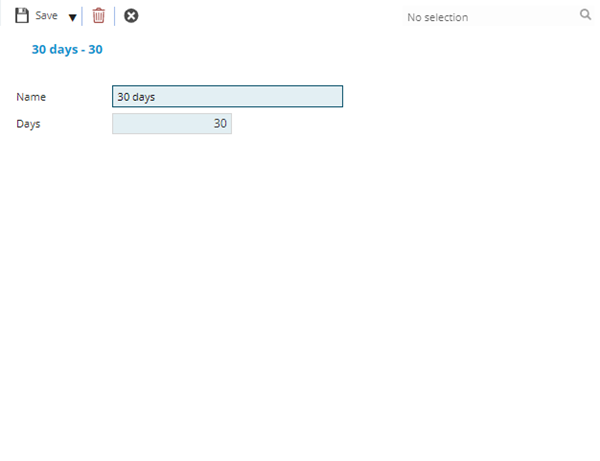
 Click to view - Sales Invoice Payment Terms Fields and Descriptions
Complete the fields and click Save and Close  .
.