Survey Categories
Available from 5.3.0.0
Purpose. Survey Categories provide a simple way to group related surveys (for example: Customer Satisfaction, Post‑Implementation Review, Annual Compliance). Clear classification improves find-ability and reporting consistency.
Core components. A category record stores only a name and is referenced by Survey Templates and Surveys. No hierarchy or workflow is enforced.
Typical actions.
- Create new categories when introducing a new survey theme.
- Rename a category to keep terminology aligned with reporting standards.
- Retire (stop assigning) categories that are obsolete to keep lists lean.
- Assign a category while creating a Survey Template so downstream surveys inherit consistent classification.
Outcomes & value. Consistent categorisation helps users locate surveys quickly, enables cleaner filtered analysis, and supports more reliable longitudinal reporting across survey themes.
Settings > Surveys
The link will open the Survey Category grid. It is a grid view which can be searched, sorted and customised as normal.
To add a new Survey Category click New  , to edit an existing Survey Category click Edit
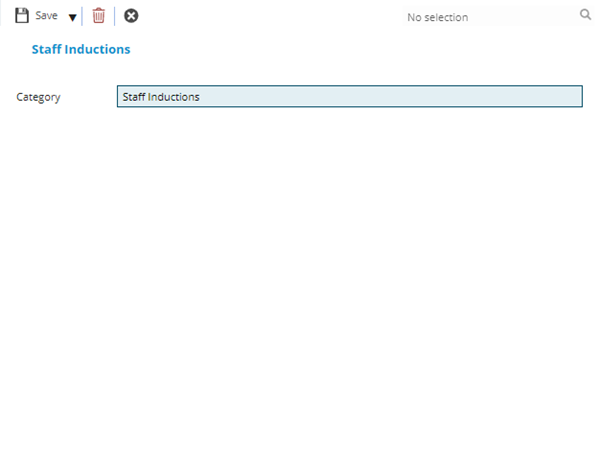
  . A pop up window will appear which will allow the creation or amendment of a Survey Category
 Click to view - Survey Category Fields and Descriptions
Complete the fields and click Save and Close  .
.