Caches
The Caches feature in MRI Evolution improves system performance and scalability by allowing the web server to store local copies of core rules, labels, and validation logic. This reduces the load on the database and speeds up user interactions, as frequently used information is quickly accessible. When changes are made to these elements, administrators can clear the cache to ensure users see the latest updates.
Administrators can maintain and clear the list of Caches here, supporting efficient system operation and up-to-date user experiences.
Settings > System Administration > Environment > Caches
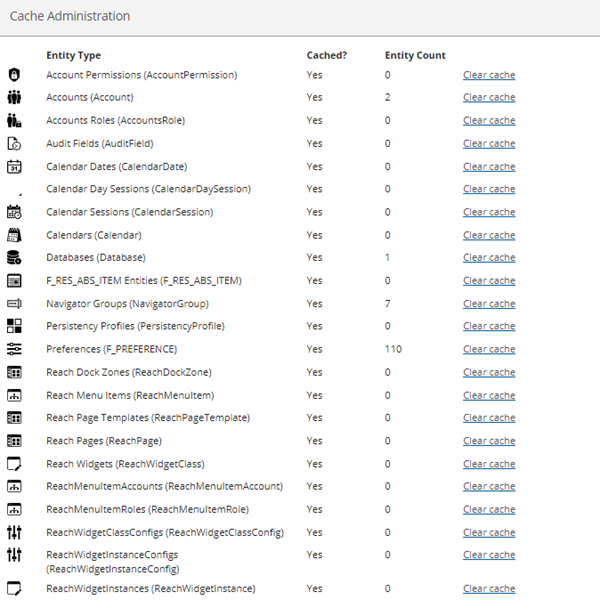
Click Clear Cache for the Cache that requires clearing.