Message Preferences
Available from 6.1.2.0
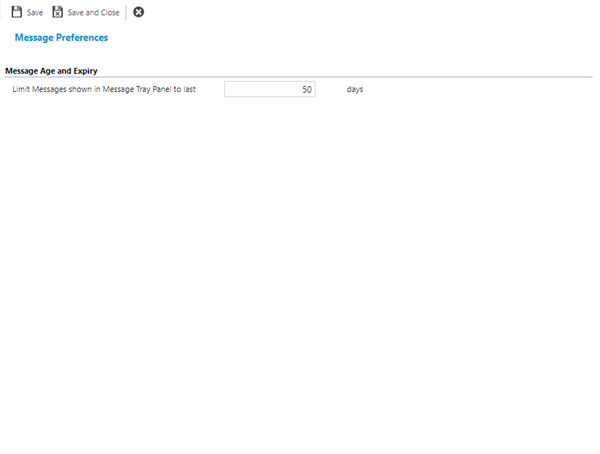
Message Preferences control how long system messages remain visible in the Message Tray panel, helping manage system performance and user interface clutter. Configure the "Limit Messages shown in Message Tray Panel to last X days" setting (default: 50 days) to automatically hide older messages based on their creation date—for example, set to 30 days to show only messages created within the last month, or 7 days for organizations generating high message volumes requiring shorter retention. Messages older than the configured threshold are automatically filtered from the Message Tray display (though still retained in the database for audit purposes), reducing screen clutter for users and improving Message Tray load times. This supports user productivity (focus on recent, relevant messages without scrolling through historical notifications), maintains system performance (fewer messages loaded into the UI improves response times), and allows customization based on organizational needs (help desks with high message volumes may prefer shorter retention, while less active systems can display longer histories). Organizations typically balance message visibility with performance—shorter periods (7-14 days) for high-volume environments, longer periods (30-90 days) for lower-volume systems where historical message context remains valuable.
Settings > System Administration > System Appearance & Behaviour
The link will open the Message Preferences page.
 Click to view - Translation Sets Fields and Descriptions
Complete the fields and click Save and Close  .
.