Report Offload Behaviour
Report Offload Behaviour lets system‑heavy standard Concept Reports run in the background so the user's session stays responsive instead of being locked until completion. Use it to mark resource‑intensive reports for asynchronous execution when peak usage would otherwise be impacted.
You only change the run mode flag (Standard ↔ Offloaded); you don’t edit the report’s definition here.
Setting a report to Offloaded does not queue it immediately—offloading happens at the moment users runs the report, allowing them to continue working while it completes. For example, flag several large reports then, when a user runs one, it offloads and the output is collected/notified when ready.
Offloaded reports can be reverted via the Standard mode button  if interactive execution is again acceptable.
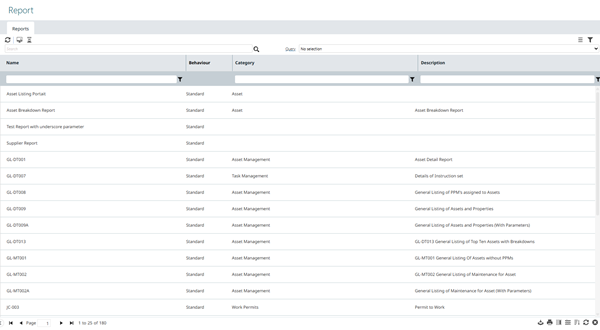
Settings > System Administration > Report Offload Behaviour
The link will open a grid containing the Concept Reports within MRI Evolution. It is a grid view which can be searched, sorted and customised as normal.
Setting Standard Report(s) To Be Offloaded
One or more Report records must be selected in the grid. Select the required Reports to set as run in offload mode and click the toolbar button  .
.
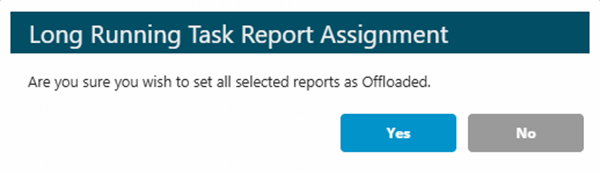
The user will be presented with the following confirmation pop-up:
Setting Offloaded Report(s) To Be Standard
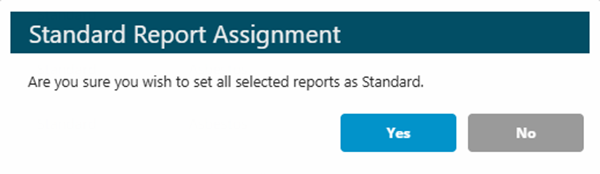
One or more Report records must be selected in the grid. Select the required Reports to set as run in offload mode and click the toolbar button .
The user will be presented with the following confirmation pop-up: