Translation Sets
The Translation Sets feature allows you to describe translation sets. You can specify Name, Description and Locale for each entry. This system configuration feature helps ensure consistency when working with translation sets across the system.
Settings > System Administration > Region & Language > Translation Sets
The link will open the Translation Sets grid. It is a grid view which can be searched, sorted and customised as normal.
To add a new Translation Set click New  , to edit an existing Translation Set click Edit
  . A pop up window will appear which will allow the creation or amendment of a Translation Set.
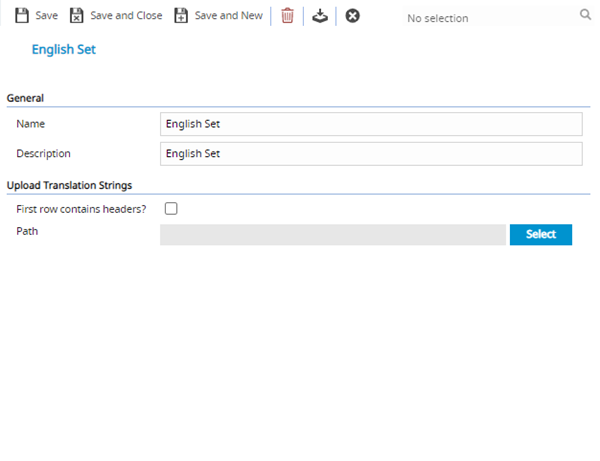
 Click to view - Translation Sets Fields and Descriptions
| Field Name | Description |
|---|---|
| Name | The name of the Translation Set. |
| Description | The description of the Translation Set. |
| Locale | From the drop down select the Locale. |
| First row contains headers? | Check the box to ensure the first row of the Translation set is not entered as a Translation string value. |
| Path | Click select to browse to where the Translation set is held |
Complete the fields and click Save and Close  .
.
: Translation Sets can be imported or exported to allow the Translation strings to be altered and imported / exported to and from MRI Evolution in CSV.