Discipline Register
Resource expertise classifications defining areas of technical specialization. Each Resource must have a primary Discipline and can have secondary Disciplines. Applied to Tasks for filtering and resource matching.
Enables skill-based task assignment, workload reporting by trade, and ensures appropriate Resource selection based on required expertise.
Settings > Tasks > Task Disciplines
The link will open the Discipline grid, It is a grid view which can be searched, sorted and customised as normal.
To add a new Discipline click New  , to edit an existing Discipline click Edit
  . A pop up window will appear which will allow the creation or amendment of a Discipline.
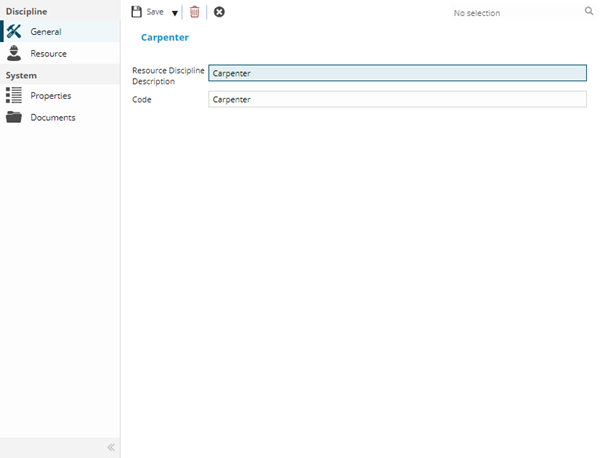
 Click to view - Discipline Fields and Descriptions
Complete the fields and click Save  . Once the Discipline header has been completed and saved a sub navigation will appear to allow additional entities to be assigned.
These include:
- Resources
Resources Sub Navigation
Click to view more detail.
Once a Resource has been created, a secondary discipline can be assigned. The secondary discipline can be assigned from the Discipline or the Resource.
Settings > Tasks > Task Disciplines
To assign Resources from the Discipline click Assign  , entities in the right hand assignment window are connected.