Change Password
The Change Password feature in MRI Evolution is integrated with user account management and security protocols. It allows users to securely update their password using a form that validates the current password and confirms the new password before applying changes.
For example, when a user initiates a password change, the system checks the current password for accuracy and enforces password strength requirements for the new password. This helps protect user accounts and maintain compliance with security policies.
Settings > User Settings > Change Password
The link will open a pop up window which will allow the User to change their current password.
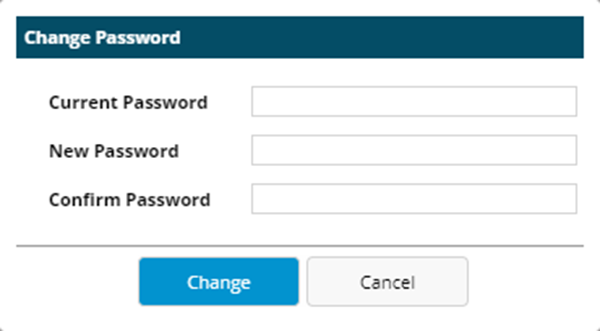
 Click to view - Change Password Fields and Descriptions
Complete the fields and click Change. The Users Password will be updated.