Timesheet Preferences
Administrators can define query criteria in MRI Evolution to restrict which Resources users see when assigning Time Records to Tasks.
These criteria are applied in addition to existing filters (e.g., Task Suppliers, Task Building, On Duty) to ensure users only assign Tasks to relevant Resources.
Affected pages include:
- Resources grid in Resource sub navigation of Helpdesk
- Resources auto-complete in the Time Record assignment page, accessed from various places.
Maintain Timesheet User Preferences here.
Settings > User Settings > Timesheet User Preferences
The link will open the Timesheet Preference window. Check the box to enable Resource assignment within the Timesheets Module.
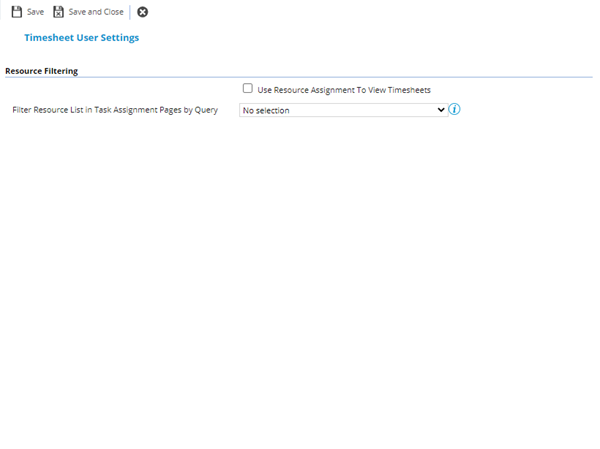
Complete the fields and click Save  .
.
Once the preference has been checked Resources can be assigned from the User Account.
This preference will only effect the Evolution Connect Timesheet Module. Views in MRI Evolution will remain unchanged.