Widget - RSS
External content integration widget displaying frequently updated RSS feeds within the platform. Configurable URL source and item count settings enable direct access to news, blogs, or traffic information without leaving the application.
Settings > Widgets & Home Pages > Widgets > Widget - RSS
The link will open the Widgets grid. It is a grid view which can be searched, sorted and customised as normal.
To add a new Widget click New  , to edit an existing Widget click Edit
  . A pop up window will appear which will allow the creation or amendment of a Widget.
Select the Widget template : RSS Feed. Complete the fields and click Save  . Click Configure Widget
  .
.
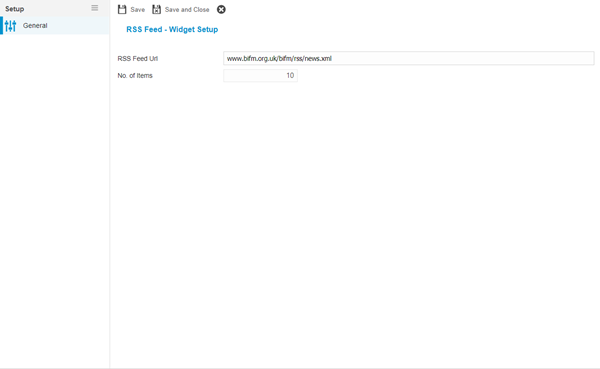
Enter the RSS feed URL for the required website and the number of items to return.
Complete the fields and click Save and Close  .
.