Contracts - Categories
Categories allow you to group and classify contracts, assets, or activities within MRI Evolution for easier management and reporting. Proper categorization supports better organization and operational efficiency.
- Business Value: Enables targeted reporting, streamlined workflows, and improved compliance by ensuring items are grouped logically.
- Actionable Guidance: To assign or update categories, open the Categories page, select or create the appropriate category, and link it to the relevant contract or asset.
- Practical Example: Use categories to separate maintenance contracts from service contracts, making it easier to filter and analyse contract performance.
- Tip: Regularly review and update categories to reflect changes in your organization’s structure or service offerings.
Facilities > Contracts
The link will open the Contract / Categories grid. It is a grid view that can be customised and sorted as normal.
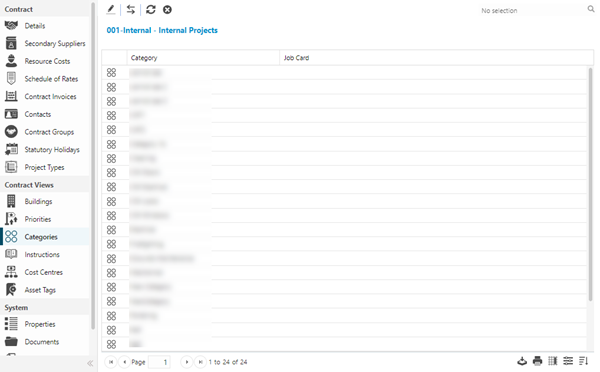
To assign Categories click Assign  , entities in the right hand assignment window are connected.
To create Categories see Task Category