Document Sub-Classes
Available from 4.3.0.0
Document Sub-Classes help you further organize and track required documentation for completed works. Use them with Document Classes to group documents, monitor uploads, and require users to upload documents before completing or signing off a Task.
Connect Document Sub-Classes to Instruction Sets to make uploads mandatory for specific tasks.
To create documents, see Document Grid and Documents.
Settings > Documents Setup > Document Sub-Classes
The link will open the Document Sub-Class grid. It is a grid view which can be searched, sorted and customised as normal.
To add a new Document Class click New  , to edit an existing Document Class click Edit
  . A pop up window will appear which will allow the creation or amendment of a Document Sub-Class
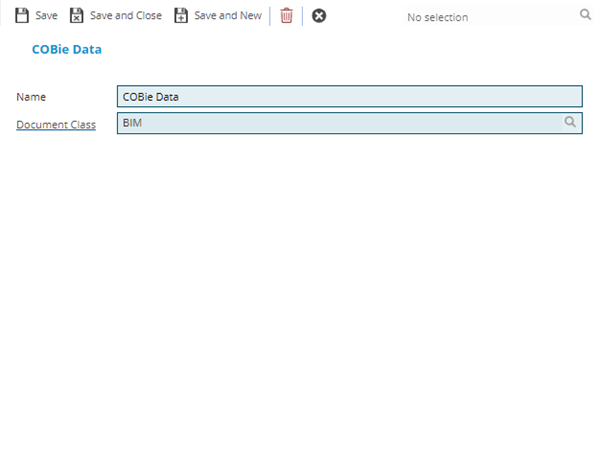
 Click to view - Document Sub-Classes Fields and Descriptions
Complete the fields and click Save and Close 