Meal Types
Meal Types classify dietary requirements and preferences for catering orders, such as Vegetarian, Vegan, Gluten-Free, Halal, or Kosher. Define meal types that match your catering suppliers' offerings and your attendees' common dietary needs.
When creating a Facilities Booking, assign Meal Types to Catering Menu items so booking makers can specify dietary requirements. This ensures catering suppliers receive accurate dietary information and attendees' needs are met at events and meetings.
Settings > Facilities Booking > Meal Types
The link will open the Meal Types grid. It is a grid view which can be searched, sorted and customised as normal.
To add a new Meal Type click New  , to edit an existing Meal Type click Edit
  . A pop up window will appear which will allow the creation or amendment of a Meal Type.
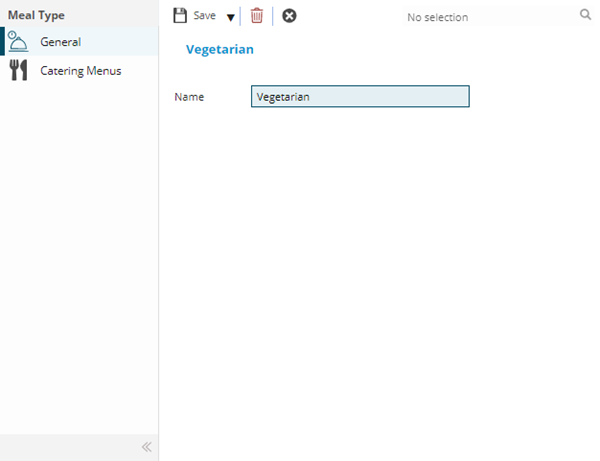
 Click to view - Meal Types Fields and Descriptions
Complete the fields and click Save  . Once the Meal Type header has been completed and saved a sub navigation will appear to allow additional entities to be assigned.
These include:
- Catering Menus
Catering Menus Sub Navigation
Click to view more detail.
Meal types can be attached to Catering Menus so users can understand if the meal is suitable for the consumer.
Settings > Facilities Booking > Meal Types
The link will open the Meal Types / Catering Menus grid. It is a grid view that can be customised and sorted as normal.
To assign Catering Menus click Assign  , entities in the right hand assignment window are connected.
To create Catering Menus see Catering Menus.