Accounting Periods
Accounting Periods define fiscal time periods (for example, FY2024 Q1, April 2024, Period 1) used for Cost Centre budgeting and reporting. Accounting Preferences automatically generate periods based on your financial year structure, which you can then customize with specific names and date ranges. When running budget reports or analysing spending by Cost Centre, the system uses these periods to group financial data, enabling comparison between different time frames (for example, actual spend in Period 3 versus budget for Period 3) and supporting multi-year financial planning. This ensures consistent fiscal reporting across all departments and facilitates accurate variance analysis.
Settings > Finance > Accounting Periods
The link will open the Accounting Periods grid. It is a grid view which can be searched, sorted and customised as normal.
To add a new Accounting Period click New  , to edit an existing Accounting Period click Edit
  . A pop up window will appear which will allow the creation or amendment of an Accounting Period.
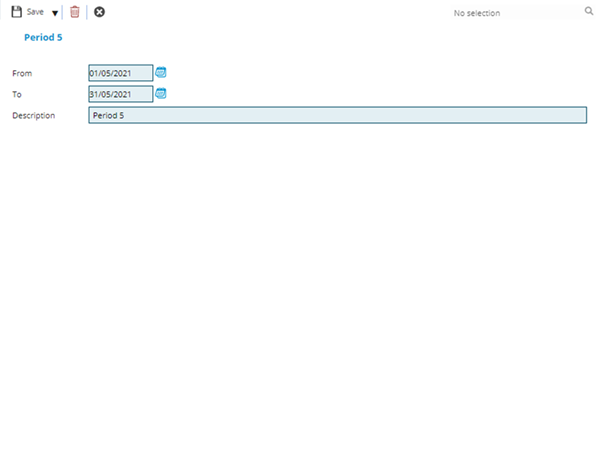
 Click to view - Accounting Period Fields and Descriptions
Complete the fields and click Save and Close  .
.