Supplier Categories
Supplier Categories organize Suppliers by trade or service type (for example, Electrical, Plumbing, HVAC, Cleaning, or Landscaping). Assign each Supplier to a category to filter and search for appropriate contractors when creating Purchase Orders, raising Tasks, or requesting Quotes.
Use categories in reporting to analyse spending by trade, track preferred supplier performance by service type, and ensure compliance requirements are met for specific work categories.
Settings > Finance > Supplier Categories
The link will open the Supplier Category grid. It is a grid view which can be searched, sorted and customised as normal.
To add a new Supplier Category click New  , to edit an existing Supplier Category click Edit
  . A pop up window will appear which will allow the creation or amendment of a Supplier Category.
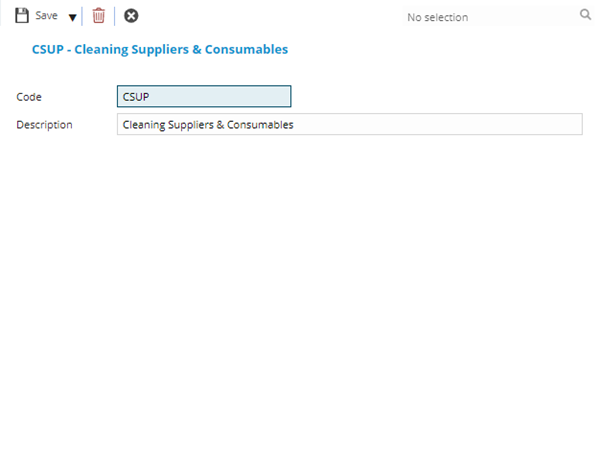
 Click to view Supplier Category Fields and Descriptions
Complete the fields and click Save and Close  .
.