Assign Metadata Groups
Once the Metadata Groups have been defined, they can be applied to the relevant entities. The process for applying Metadata Groups is the same regardless of which entity they are being recorded against.
Documents can be attached to enabled entities in the Table Register.
To create Metadata Groups see Metadata Groups.
If properties can be attached to an entity, an additional icon will appear in the individual entity window under the System sub menu.
Settings > General > Metadata Groups > Assign Metadata Groups
The link will open the Entity / Properties Grid. It is a grid view which can be searched, sorted and customised as normal.
To assign Metadata Groups click Assign  , entities in the right hand assignment window are connected.
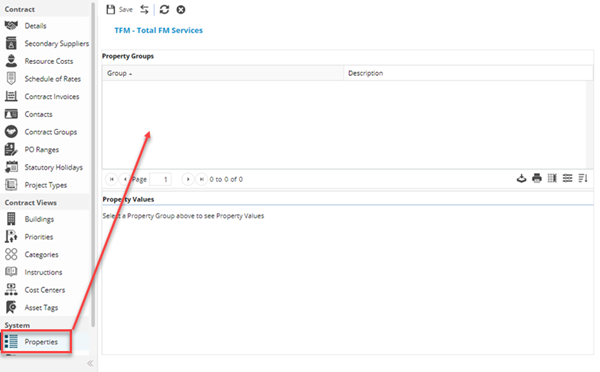
Once the Metadata Group has been assigned to the entity, click on the Group within the grid to enable the values to be completed.
Complete the fields and click Save  .
.