PMS Priority
Available from 4.4.1.0
PMS Priority codes classify work urgency for Payment Mechanism calculations, such as Emergency, Standard, or Economy. Link each priority to instruction sets containing specific payment rules and rate multipliers to control how payments are calculated for different work types.
Settings > Payment Mechanisms > PMS Priority
The link will open the PMS Priority grid. It is a grid view which can be searched, sorted and customised as normal.
To add a new PMS Priority click New  , to edit an existing PMS Priority click Edit
  . A pop up window will appear which will allow the creation or amendment of a PMS Priority.
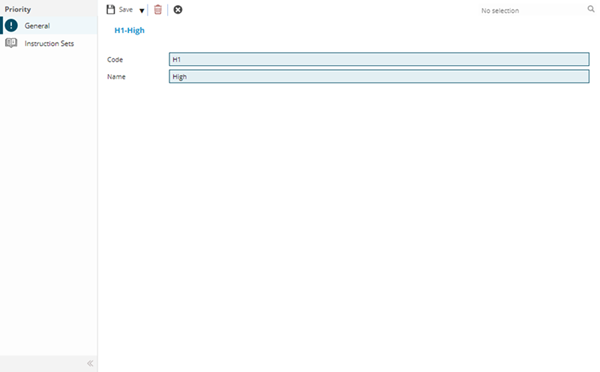
 Click to view - PMS Priority Fields and Descriptions
Complete the fields and click Save  . Once the PMS Priority header has been completed and saved a sub navigation will appear to allow additional entities to be assigned.
These include:
- Instruction Sets
Instruction Sets Sub Navigation
Click to view more detail.
Once the PMS Priority header has been created it can be associated with the relevant Instruction Sets.
Settings > Payment Mechanisms > PMS Priority
The link will open the PMS Priority / Instruction Sets grid. It is a grid view that can be customised and sorted as normal.
To assign Instruction Sets click Assign  , entities in the right hand assignment window are connected.
PayMech Module results are calculated using Workflow. Unless the calculation workflows are amended, changing settings in MRI Evolution may have no effect on PayMech outputs and results .