Widget - BIM Document Grid
Query-controlled BIM document access widget with grid column customization. Assigns System Queries to filter visible BIM documents per user role, supporting project coordination and authorized document access.
Settings > Widgets & Home Pages > Widgets > Widget - BIM Document Grid
The link will open the Widgets grid. It is a grid view which can be searched, sorted and customised as normal.
To add a new Widget click New  , to edit an existing Widget click Edit
  . A pop up window will appear which will allow the creation or amendment of a Widget.
Select the Widget template : BIM Documents Grid. Complete the fields and click Save  . Click Configure Widget
  .
.
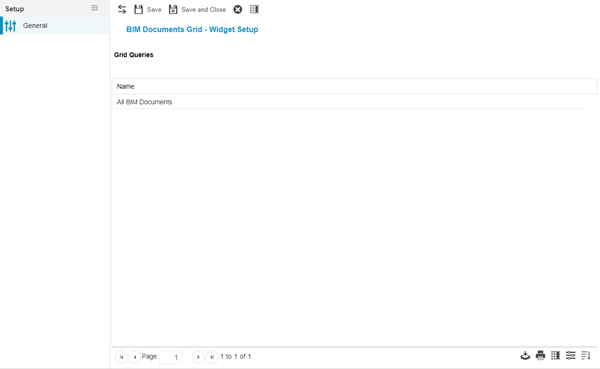
Queries to control the BIM Documents available must be assigned to the Widget . To assign BIM Documents queries click Assign  , entities in the right hand assignment window are connected.
Additional Icons and Features
| Icon | Feature | Description |
|---|---|---|

|
Set Grid Columns | Set the Set Default Columns for the Document Widget |
Complete the fields and click Save and Close  .
.