Asset System
Asset Systems provide top-level classification for organizing equipment and machinery such as HVAC, Electrical, or Plumbing.
All assets must be assigned to an Asset System, establishing hierarchical organization for maintenance scheduling, filtering, and reporting across facilities.
Settings > Assets > Asset Systems
The link will open the Asset System grid. It is a grid view which can be searched, sorted and customised as normal.
To add a new Asset System click New  , to edit an existing Asset System click Edit
  . A pop up window will appear which will allow the creation or amendment of an Asset System.
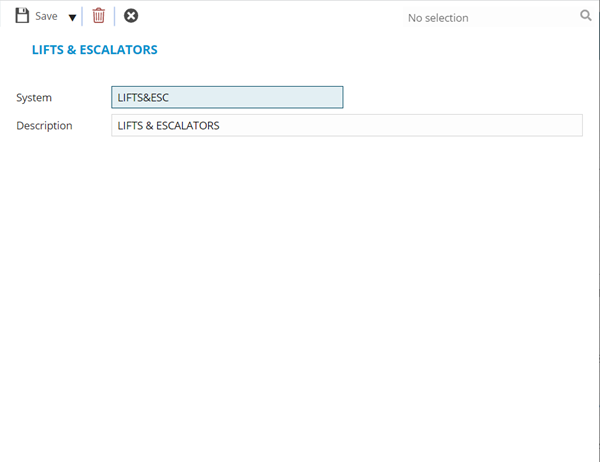
 Click to view - Asset System Fields and Descriptions
| Field Name | Description |
|---|---|
| System | The code of the Asset System. |
| Description | The description of the Asset System. |
Complete the fields and click Save and Close  .
.