Asset Types
The Asset Types feature in MRI Evolution enables administrators to define and manage detailed classifications for asset components. This allows for precise categorization of equipment units—such as condenser units, control panels, and other components—within asset hierarchies, supporting accurate tracking and reporting.
To create Assets, see Asset Register.
Settings > Assets > Asset Types
The link will open the Asset Type grid. It is a grid view which can be searched, sorted and customised as normal.
To add a new Asset Type click New  , to edit an existing Asset Type click Edit
  . A pop up window will appear which will allow the creation or amendment of an Asset Type.
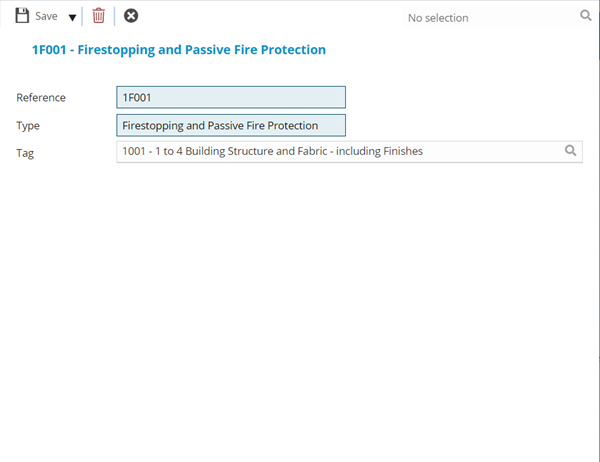
 Click to view - Asset Type Fields and Descriptions
Complete the fields and click Save and Close  .
.