Task Groups
Available from 4.4.1.0
Task Groups provides comprehensive organizational capabilities for strategic task management and payment mechanism coordination within sophisticated Property Management System operations. PMS Task Groups are systematically used to gather and organize logical groups of Tasks for efficient utilization in PMS Batches and Ratchets processing, enabling streamlined workflow management and automated payment processing coordination. Multiple specialized PMS Task Groups can be strategically created and configured to ensure that appropriate Payment Mechanisms are precisely applied to the correct groups of Tasks, facilitating accurate financial processing, improved operational efficiency, and comprehensive payment workflow management across diverse property management scenarios and business requirements.
The list of Task Groups are maintained here.
Settings > Payment Mechanisms > PMS Task Groups
The link will open the PMS Task Groups grid. It is a grid view which can be searched, sorted and customised as normal.
To add a new PMS Task Group click New  , to edit an existing PMS Task Group click Edit
  . A pop up window will appear which will allow the creation or amendment of a PMS Task Group.
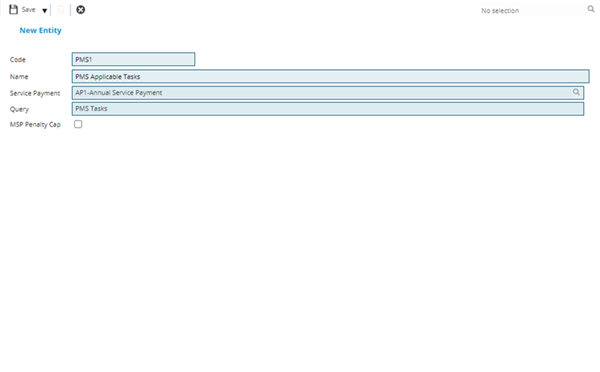
 Click to view - PMS Task Groups Fields and Descriptions
Complete the fields and click Save and Close  .
.
PayMech Module results are calculated using Workflow. Unless the calculation workflows are amended, changing settings in MRI Evolution may have no effect on PayMech outputs and results .