Attribute Library
Available from 4.4.0.0
Attribute Library creates custom fields that capture organization-specific data beyond standard MRI Evolution fields. Define attributes with specific data types (text, date, number, drop down), validation rules, and default values to extend entities like assets, tasks, locations, and contacts.
Create an attribute (for example, "Warranty Expiry Date" or "Department Code"), assign it to an Attribute Group, then map that group to specific entity types. Users can then populate these custom fields when creating or editing records, enabling you to track specialized information relevant to your operations.
 Available from 7.0.0.0
The Purchase Key licence dependency for this specific element of the system has been removed and is now included as standard in the core MRI Evolution product the feature has been turned on for all systems by default.
Note: Other restrictions, such as User licence type restrictions and / or any restrictions to underlying functionality that is dependent upon Purchase Key licences will remain in place.
Settings > Attributes > Attribute Libraries
The link will open the Attribute Library grid. It is a grid view which can be searched, sorted and customised as normal.
To add a new Attribute to the library click New  , to edit an existing Attribute in the library click Edit
  . A pop up window will appear which will allow the creation or amendment of a Attribute.
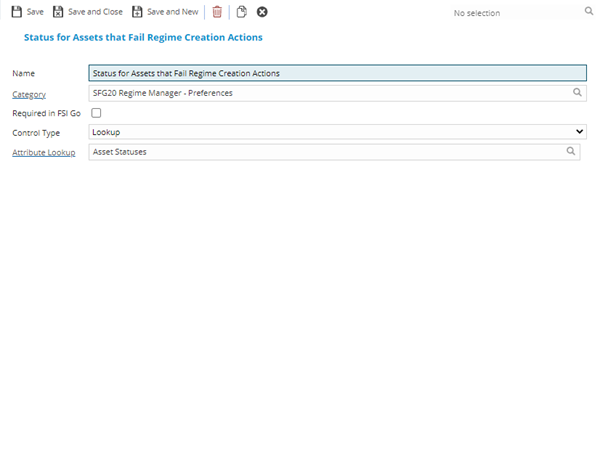
 Click to view - Attribute Library Fields and Descriptions
Complete the fields and click Save and Close  .
.