Asset Preferences
The Asset Preferences feature in MRI Evolution allows you to configure key default settings that control the behaviour of Assets throughout the system. These preferences help ensure consistency and streamline asset management processes.
Available from 5.2.0.0
You can define the calculation method for Asset Straight Line Depreciation to match your organization's accounting requirements.
Available from 6.0.1.0
Additionally, you can control whether a Description value is set automatically in the Asset Input Panel when creating a new Asset, improving data entry efficiency and standardization.
Settings > Assets
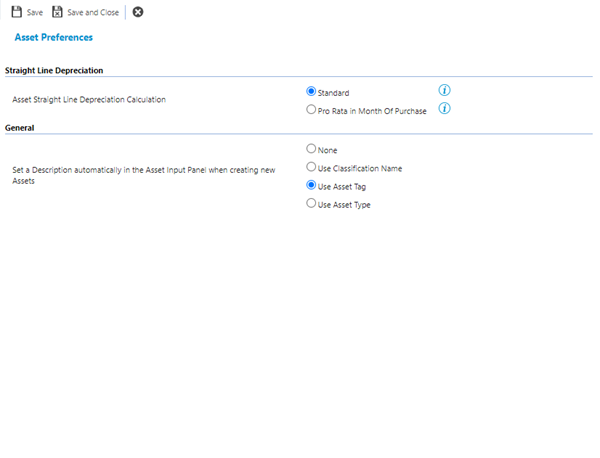
The link will open a pop up window, check the required radio button to set the Asset Preference and click Save and Close  .
.
 Click to view - Asset Preferences Fields and Descriptions